Shopify Adds WhatsApp Marketing Consent at Checkout: What Changes for Your Retention Workflow

By Robin Laseur

Shopify now supports WhatsApp marketing consent collection at checkout. The September 10, 2026 release gives merchants another place to capture opt-ins. Your retention team should connect that checkout setting to a documented workflow for recording preferences, checking messaging-platform support and handling subsequent customer requests. The responsibility worksheet below helps organize that work.
Deciding whether WhatsApp or SMS should get the opt-in at checkout in each market? See how to choose between WhatsApp and SMS checkout opt-in.
Your eCommerce team can own the checkout configuration while a different team runs customer messaging. Both need to understand what the release establishes and what still needs checking in your store. A shared record of the customer journey makes that handoff easier to review.
Documentation checked: September 11, 2026. Initial coverage of the September 10 release. The operational worksheet is a proposed working method; it does not represent a tested store integration.
What Shopify changed at checkout
The Shopify announcement introduces WhatsApp marketing consent collection during checkout. WhatsApp marketing consent is the customer’s permission to receive promotional messages through that channel. For your team, the immediate change is a new collection point to assess alongside the messaging program that will use it.
Shopify’s customer contact information documentation places the option under Settings → Checkout → Marketing opt-in → WhatsApp, where you select Checkout only and save. It also states that the customer must submit checkout for their SMS or WhatsApp marketing subscription preference to be saved.
That submission requirement belongs in your review plan. A screenshot of a selected checkbox records one stage of the interaction. To establish the resulting preference, follow the journey through submission and inspect the record available to your team. Treat any abandoned-checkout messaging use case as a separate question requiring evidence for the particular collection and sending setup.
The announcement establishes the new collection capability. It provides no basis for assuming that a particular retention app already consumes the preference or that an existing automation will use it as intended. Those are questions for your provider’s documentation and a controlled check of your own configuration.
Regional settings connect checkout to your retention plan
Your market owners and retention team should agree on where the new opt-in belongs before checkout configuration changes. The decision needs a recorded scope: which customer journeys the team intends to change, who approved that scope and where the resulting preferences will be used. This gives reviewers a concrete expected outcome.
When SMS and WhatsApp opt-in are both active, Shopify lets you select the regions that display WhatsApp. The remaining regions populate the SMS column automatically. Shopify provides recommended regions or a manual selection option, as described in its regional checkbox settings.
For a multi-market merchant, record the intended allocation before editing the settings. The person configuring checkout should be able to compare the saved configuration against an agreed market list. The retention owner should be able to explain which program will serve customers in that scope.
Keep the scope specific enough to test. “Enable WhatsApp internationally” leaves the reviewer to interpret the intended experience. A named set of regions, an accountable market owner and a record of the chosen setting provide a usable starting point. Detailed channel selection deserves its own decision exercise; the immediate task is making the configuration understandable across teams.
The handoff to your messaging platform needs evidence
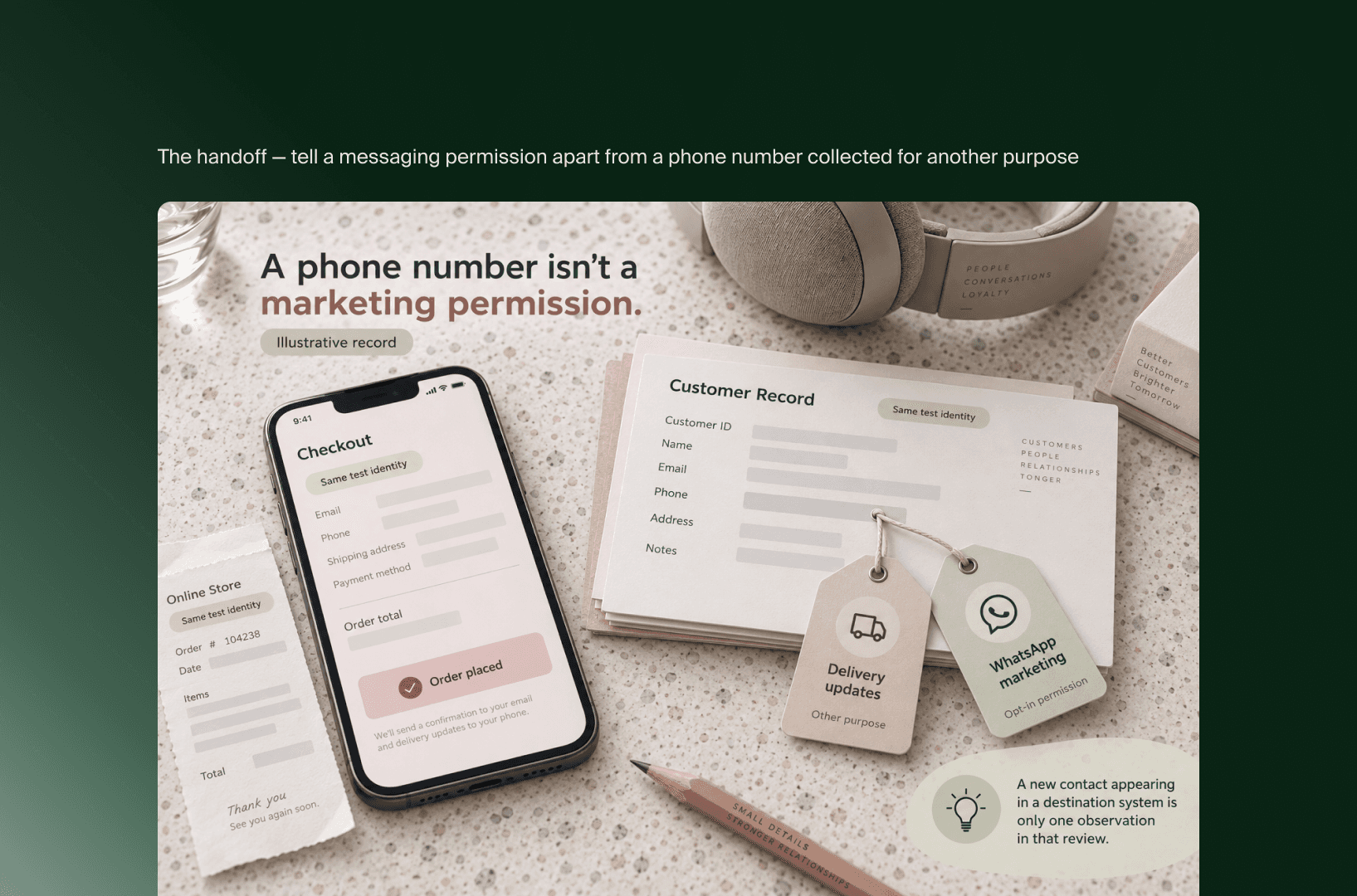
The checkout-to-messaging handoff should preserve enough information for the receiving team to understand the customer’s preference and decide how it can be used. Establish that handoff through provider documentation and a controlled customer journey. A new contact appearing in a destination system is only one observation in that review.
Ask your integration owner to identify the mechanism that transfers the preference. It might involve a provider feature or a configured integration, but the release alone does not establish which mechanism applies. Record the supported behavior and any setup requirements before describing the connection as operational.
Then inspect the destination record. Your reviewer should be able to explain how the system distinguishes the relevant messaging permission from a phone number collected for another purpose. If the distinction is unclear, capture the question for the provider instead of treating the contact’s presence as sufficient evidence.
For example, imagine a merchant that already uses phone numbers in its delivery process and now introduces the WhatsApp opt-in. This is an illustrative situation. The useful review follows what the test customer selected, what was recorded after submission and what the messaging platform received. Comparing those observations exposes exactly which part of the handoff is understood.
Keep the review record free of unnecessary customer details. A test identifier, configuration reference and concise account of the observed preference can give the next reviewer enough context to repeat the check.
Customer service has a role after the opt-in
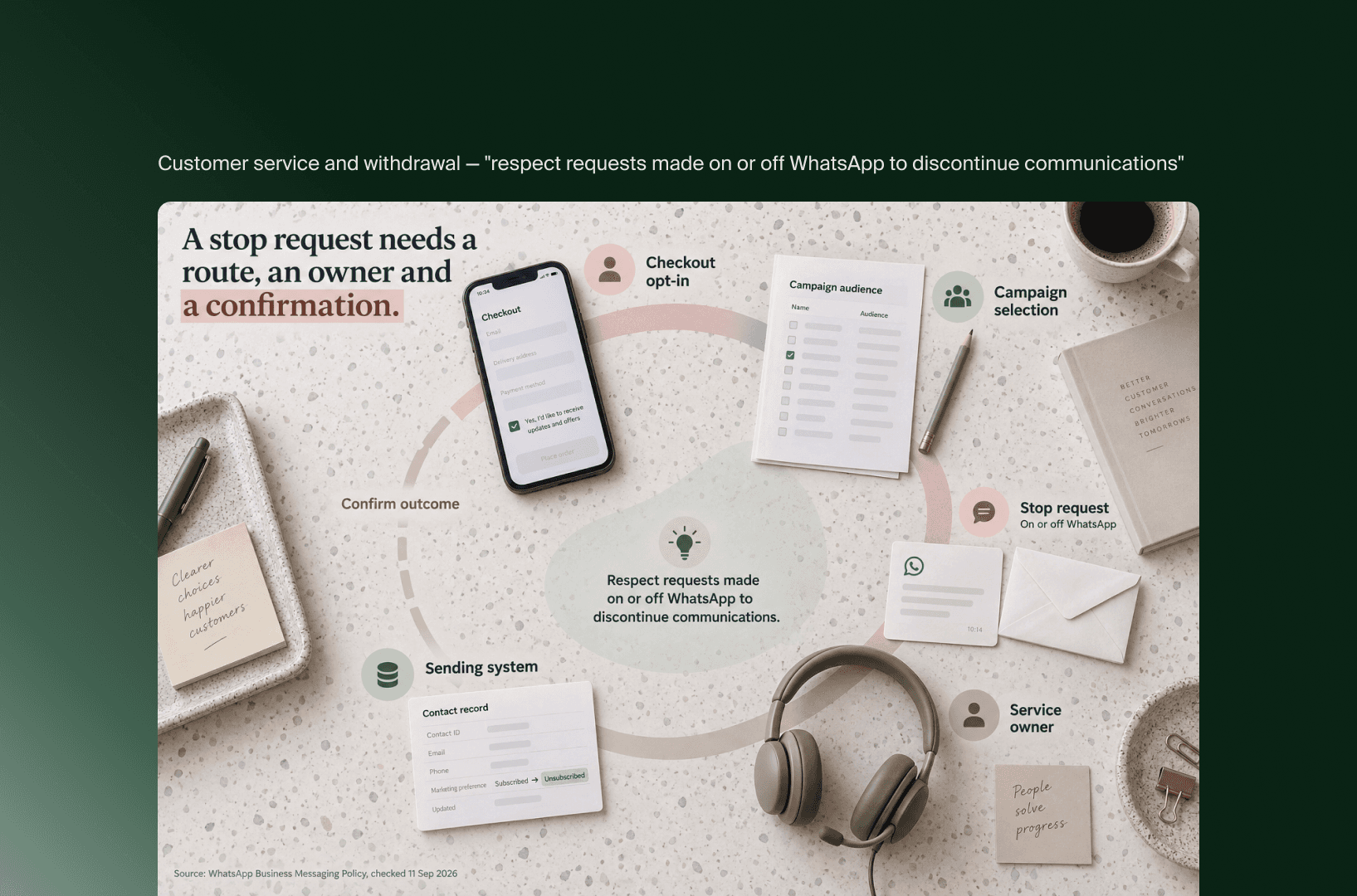
Customer service needs an explicit route for handling changes to messaging preferences after checkout. Assign a person to own that route and establish how the sending system reflects the customer’s request. The operational question is whether the team receiving the request can cause the required change and confirm its outcome.
The WhatsApp Business Messaging Policy requires a phone number and opt-in permission before contacting people. It also requires businesses to respect requests made on or off WhatsApp to discontinue communications. For WhatsApp Business Platform, initiating conversations requires approved message templates under the platform’s rules.
These requirements connect collection, sending and service operations. Include the applicable policy review in the same working record as your technical checks, with a named owner for market-specific legal questions. Enabling a platform setting does not establish the legal suitability of every campaign or consent wording.
Give customer service a concrete case to walk through: a customer contacts support and asks to stop WhatsApp marketing. Record who handles the request, where they make the change and how the team confirms that future campaign selection respects it. The route can differ between providers, so the worksheet should describe your verified process.
If the process relies on a manual handoff, make that visible. A named recipient and confirmation step allow the team to operate the process deliberately while assessing whether further integration work is needed.
Use this consent responsibility worksheet
Use the worksheet to connect each part of the customer journey to an owner and inspectable evidence. Start every row as unresolved, then update it as your team completes the review. The suggested roles describe responsibilities; in a smaller team, one person may own several rows without changing the evidence needed.
Copy the table into your team’s working document. Replace the suggested owner with a person’s name and add the evidence reference to the final column.
Stage | Suggested owner | Evidence to record | Status and follow-up |
|---|---|---|---|
Checkout configuration | eCommerce lead | Saved setting and agreed scope of the change | Unresolved: name the configuration reviewer |
Regional display | Market owner | Intended allocation and observed checkout display for the reviewed journeys | Unresolved: identify journeys to inspect |
Preference recording | Integration owner | Submitted test journey and resulting preference record | Unresolved: identify where the result can be inspected |
Messaging handoff | CRM lead | Provider documentation and destination record for the same test identity | Unresolved: establish supported transfer behavior |
Campaign use | Retention owner | Audience selection rule, relevant message setup and policy review | Unresolved: review the proposed use of the preference |
Preference withdrawal | Customer service lead | Request handling route and confirmation of the sending-system outcome | Unresolved: complete a controlled withdrawal check |
“Unresolved” is the starting state of this reusable worksheet, not a finding about Shopify or your provider. Change it to verified only when the named owner can point to the evidence. Use “needs action” when an observation identifies work, and describe that work beside the status.
Review the connections between rows as well as the individual cells. If checkout and CRM reviewers use different test identities, their records cannot establish the same handoff. Agree on the identity and journey before the checks, then retain enough context to follow the evidence across both systems.
Review the journey before expanding its scope
A useful initial review follows a small, explicitly defined set of customer journeys through collection, downstream use and withdrawal. Record the scope of each check so the team can distinguish verified behavior from journeys it has not examined. Expand the review when you introduce another region, provider configuration or messaging use case.
Begin with a submitted checkout that includes the intended opt-in. Include a corresponding journey without that opt-in and check how your setup handles the difference. These are proposed review cases, not claims about the results your store will produce. Your team needs the observations to establish its own operating baseline.
Keep configuration changes traceable. Record the date and relevant settings beside the evidence so a later reviewer can tell whether a provider update or checkout change makes an earlier observation obsolete. Revisit affected rows when the underlying setup changes.
The result should be a short, usable account of the journey: the customer action, the record your team inspected, the receiving system’s interpretation and the owner of any remaining work. That is enough to make the next operational decision without expanding this release into an unsupported technical implementation guide.
Key takeaways
Shopify’s release creates a new checkout collection point for WhatsApp marketing consent. Review its place in your existing retention workflow.
Record the intended regional configuration so checkout and retention teams work from the same scope.
Verify the handoff using a consistent test identity and evidence from the receiving platform.
Include customer service and preference withdrawal in the responsibility map before expanding the program.
Start with the worksheet and assign the owners who can inspect each stage. A completed record gives your team a shared basis for operating the new collection point and deciding what to verify next.
Related articles


